Two walkthroughs in full: first how to find products, then exactly how the LoveGoBuy agent buys, inspects, stores and ships them to you.
Using the spreadsheet is two stages: first find a product, then hand its link to the LoveGoBuy agent to buy, quality-check, store and ship it.


The spreadsheet is a shortcut to listings worth buying — already filtered, with QC photos and prices.
Open the finder, type a product or paste a Taobao/Tmall/Weidian link, and search. Results open on W2Cspreadsheet.com.
Check quality-check photos, reviews and wholesale prices to choose a seller you trust.
Grab the listing’s URL — that’s all LoveGoBuy needs to place your order.
Paste the link into LoveGoBuy, choose size, colour and quantity, add notes and submit.
Once your order is placed, here’s exactly what happens.
Confirm details and pay the item cost. International shipping is calculated separately later, so you’re not locked in yet.
The Chinese seller ships your item to LoveGoBuy’s warehouse, where staff receive and log it.
Dedicated staff inspect the item and upload photos. Review them and approve, or return for free.
Items stay in free storage during an extended period, so you can group several orders into one parcel and cut shipping costs.
Pick the items to ship, select air or sea, and use the estimator to preview the fee before you commit.
Pay the estimated fee with your preferred method, then track the parcel to your country.
Your order arrives at your door. Check everything against the QC photos you approved.
Leave a review or share your haul to unlock coupons, first-order rewards and affiliate earnings.
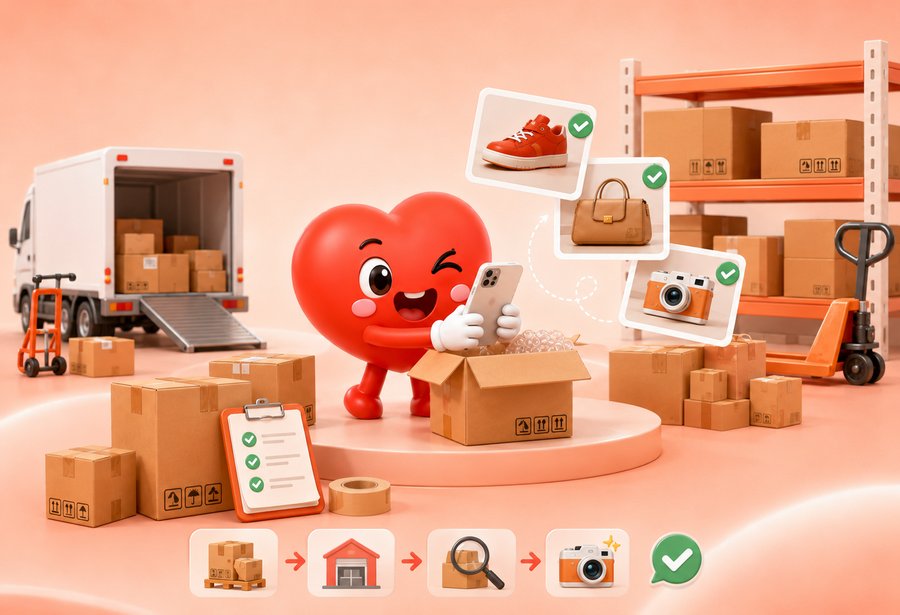
When your items reach the warehouse, dedicated staff inspect them and upload clear QC photos to your account.
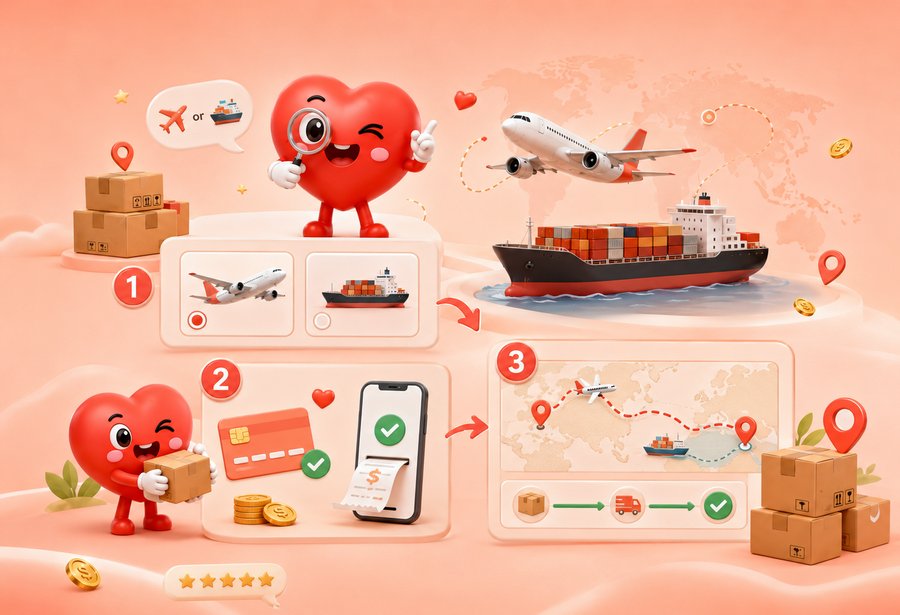
You only pay shipping once your items are ready to leave the warehouse — never upfront.
